Thursday, 21 April 2011

Clip 6

Clip 6 is the boredom clip, the camera take a side on view to the bench, but still showing the front. This has very small movements, the eyes rotate throughout the clip as if the bench is rolling his eyes in boredem.

While the bench is flicking his eyes his, mouth drips down from side to side, this is to give the effect the bench is twitching his mouth out of boredom.
Toward the end of the clip the frame dips down, making it look a little sad in boredom.

Clip 5

Clip 5 is when the bench gets angry with the bus stop. The bench i jealous that the bus stop is receiving all that attention. This clip is a close up shot of the benches eyes.

The morther on the eyes for this clip is constantly fluctuating, this is done so the eyes express a lot of emotion that the bench is feeling. The dipping brow animation moves up and down gradually to show the anger the bench is feeling.
The eyes turn to face the bus stop, this is so the view knows where the anger is directed to.

Clip 4

Clip 4 comes directly after clip 3, the camera zooms in to the bus stop, and manoeuvres around the bus. This is ment to give the impression that the bench is focusing his sight onto the bus stop.
The camera is panned over from the bench to just above the bus stop, as the camera is moving the bus begins to drive away, this is done using the same animation from clip 1 with the bus.

The bus stop is happy, that he had people waiting with him, the happy mouth and happy shelter morther targets are used in this clip.

Clip 3

The 3rd clip created was where the bench realises there people at the bus stop, but no one is sitting on him. The camera rotates around the back of the bench. This is done by setting the camera target to the bench and setting a key frame and the cameras start and end positions.
The camera will tween from the start to the finish and focus on the bench the whole time.

When the bench see the people get onto the bus the bench gets a little angry. This is done using the right eye brow, the percentage is raised to lift the one eye brow, along with this the mouth goes from the happy/content mouth to the angry mouth.
This clip is not the 3rd clip in the storyboard, it was made first as i was working with the camera movement animations first.

Clip 2

Clip 2 is where the bench wakes up and shows itself to the world, the starts at the position left off in clip one and moves in closer to the bench.
As the camera moves closer the bench moves both of it eyebrows up and down, this was done by increase and decreasing the percentages of each brow whilst having auto key turned on.

As the camera get up close to the bench, the eyes open and the mouth opens, this is done by setting the eyes open morther or each eye to 25 percent. As the happy mouth percentage is increasing the bench eyes will come up out of the back of the bench. This was a simple set key from its first position and setting a key on its final position, over the course of he frame the eyes moved up in time with the smile.

The bench wakes up happy as it has been used and is waiting for the next person.

Clip 1

To begin the animation, i decided to place a bus in front of the bench, this was to hide the bench and unveil it once the bus has moved away. The wheel on the bus rotate as the bus moves over to the left.

As the bus moves out the way the camera pans upward, this has been added in so the animation title and sid can be added as the intro.

This clip was achieved by using the auto key on max and moving specific items. The wheels are all rotated and auto key placed key frames to make the rotation. The bus as a whole is moved left at a steady pace. The camera target is raised to give the camera the pan effect.

Wednesday, 20 April 2011

The scene

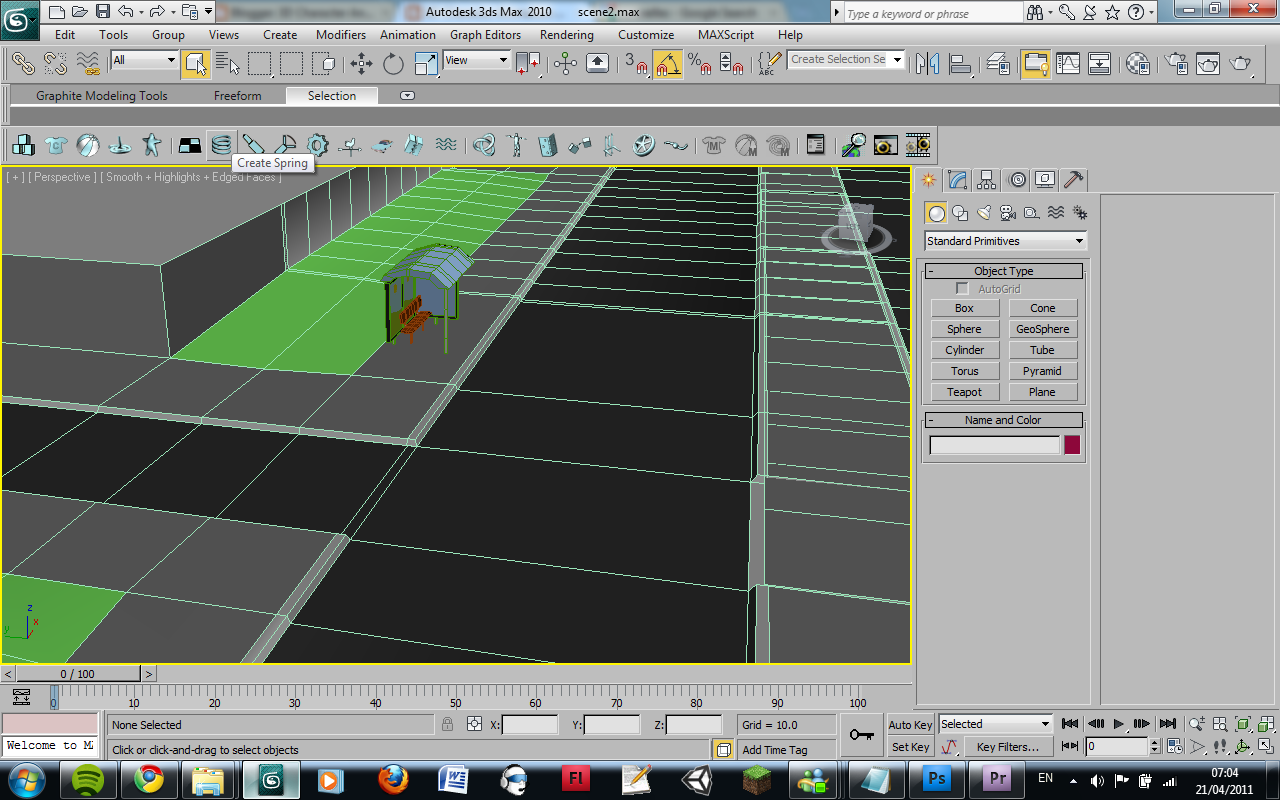
The scene was created as a two way street, so one bus can go up one side and the other up the other side. The scene was create with a plane at first, the plane was shaped into one half of the street then the rest was shift clicked out of the side of the street to extend it.
After one section of the street was complete i duplicated the street and moved it to the end, extending the street further.
When the street needed to turn the the bend tool was used to bend the street around the corner.

The paths and curbs where extruded out of the floor, the glass mounds extruding up and changing the vertex's to suit what was needed and extruding the walls out of the ground.

Once the Scene had been shaped the bus stop was added in, the bus stop was placed on the left side of the map, the owners of the other piece of work wanted to move in a separate direction.

Once the bus stop was placed into the scene , the bench was put into the scene. The bench is put onto the opposite side of the street to the bus stop. With the street set up the animation was ready for animating.

The sky background for the animation is assigned in the render settings for the environment, this is so the sky surrounds the entire terrain without the use of a skybox.
http://www.webweaver.nu/clipart/backgrounds-sky.shtml